
Show summary Hide summary
When a computer spec lists 16GB or 32GB of RAM, it is usually referring to the system’s main working memory: dynamic random-access memory, or DRAM. Understanding how DRAM differs from other memory types helps explain performance, power use, and why some devices list memory differently.
What DRAM does inside your device
DRAM serves as the temporary workspace where programs keep the data they need while running. Desktop and laptop systems today commonly use standards such as DDR5, while smartphones and many mobile devices rely on low-power variants like LPDDR5X.
Light-up digital shelf labels help Walmart shoppers and employees locate items
Former YMU Global exec opens London agency representing creators, including Topjaw’s Jesse Burgess
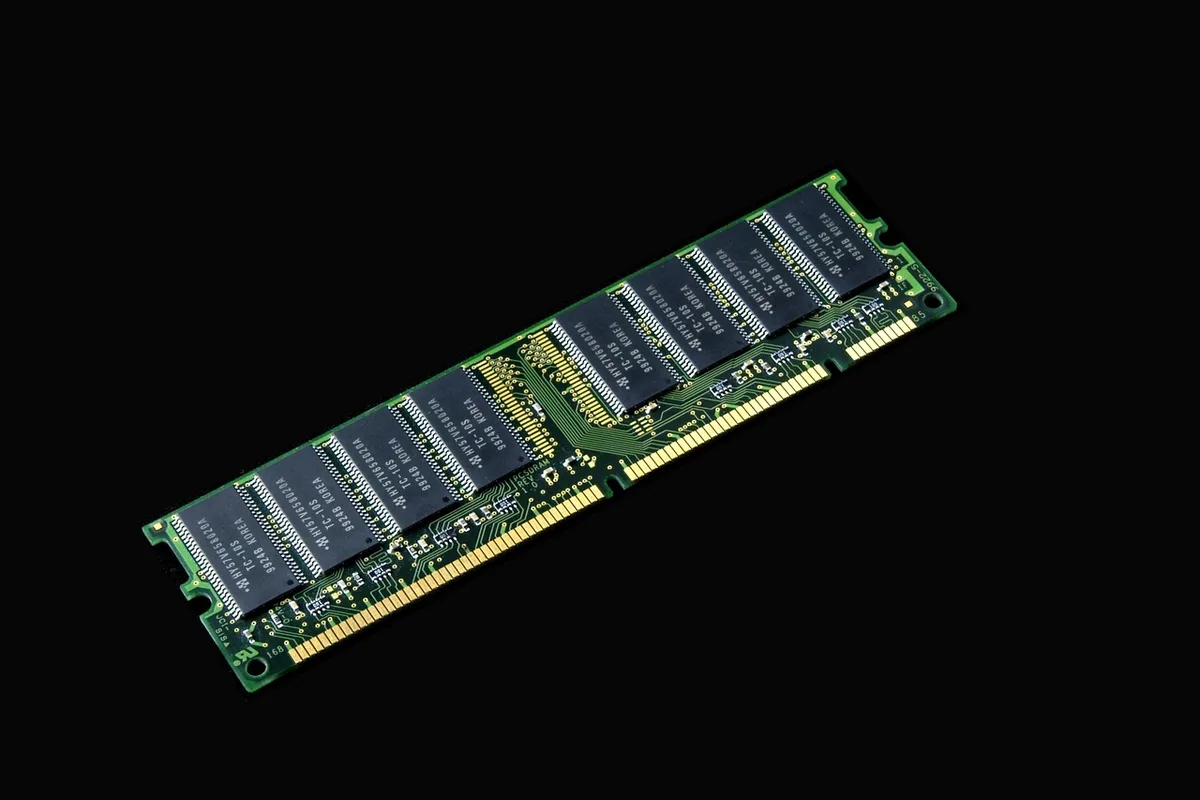
The amount of DRAM determines how many applications and tasks a system can hold in active memory before it needs to swap data to slower storage.
Why DRAM needs constant refreshing
Each DRAM bit is stored in a tiny cell made of a capacitor and a transistor. The capacitor holds an electrical charge that represents a one or zero, but that charge slowly leaks away.
To preserve the information, the memory controller repeatedly refreshes those cells while the system is powered. If power is cut and refreshes stop, the stored data vanishes — a reminder that DRAM is volatile, not permanent storage.
Different physical forms of main memory
DRAM is often sold as removable stick modules called DIMMs, which plug into motherboard slots in desktop PCs. But not all systems expose memory that way.
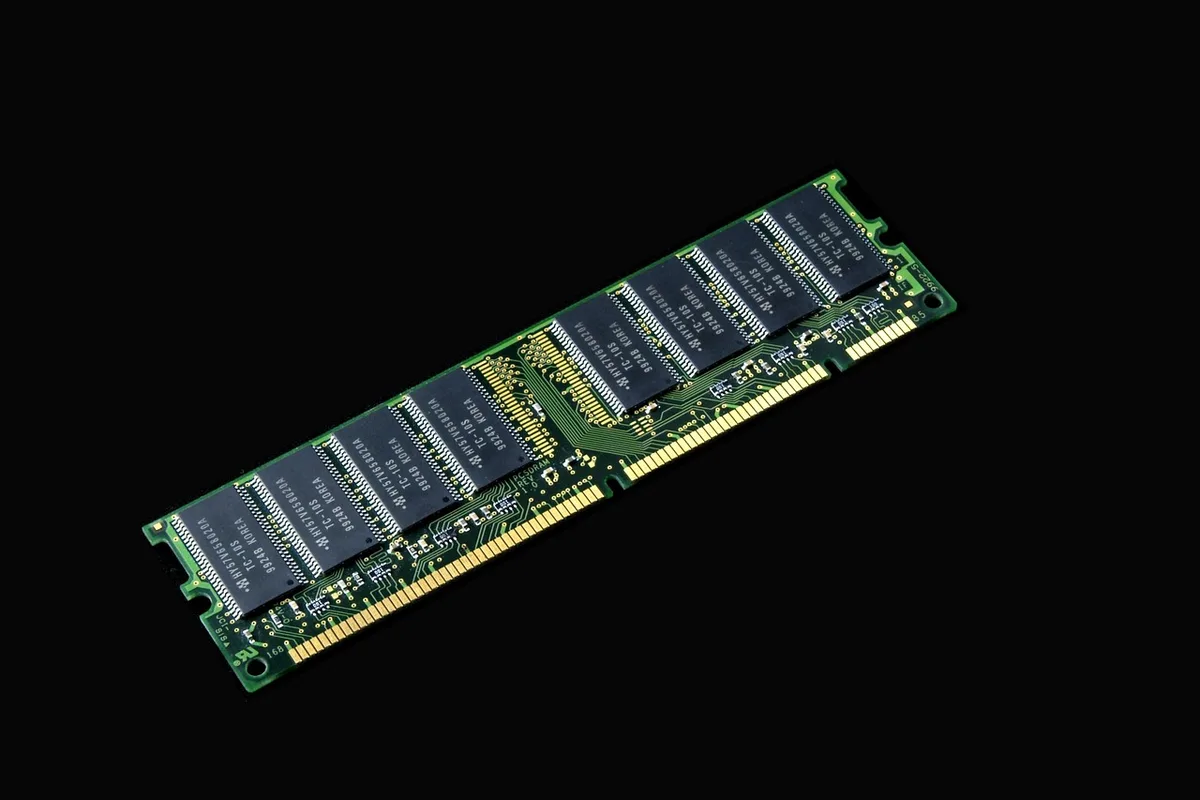
Some processors and platforms use large pools of unified memory integrated on-package. For example, certain AMD chips designed for AI workloads can address up to 128GB of unified memory. Regardless of packaging, the role remains the same: short-lived working memory for active tasks.
SRAM and why caches are different
Static RAM, or SRAM, is also volatile, but it stores bits without the periodic refresh DRAM needs. “Static” refers to its ability to hold state continuously while power is supplied.
SRAM uses several transistors per bit in a latching arrangement, which gives it much faster access times than DRAM’s capacitor-based cells. That speed makes SRAM ideal for processor caches, where small amounts of frequently accessed data need to sit physically close to the CPU.
High-end processors sometimes include unusually large caches. The Ryzen 9 9950X3D, for instance, packs 144MB of combined L2 and L3 cache. Even so, that cache size is tiny next to the gigabytes of DRAM used as main memory — underlining how the two technologies complement each other in modern systems.