Show summary Hide summary
You can repurpose an unused smartphone into a home security camera in minutes. AlfredCamera is a free, cross‑platform app that simplifies the process and gives you remote viewing and alerts from your current phone.
Turn an old phone into a camera
Begin by installing AlfredCamera on both your primary phone and the device you want to reuse. Open the app on your main phone and create an account.
Light-up digital shelf labels help Walmart shoppers and employees locate items
Former YMU Global exec opens London agency representing creators, including Topjaw’s Jesse Burgess
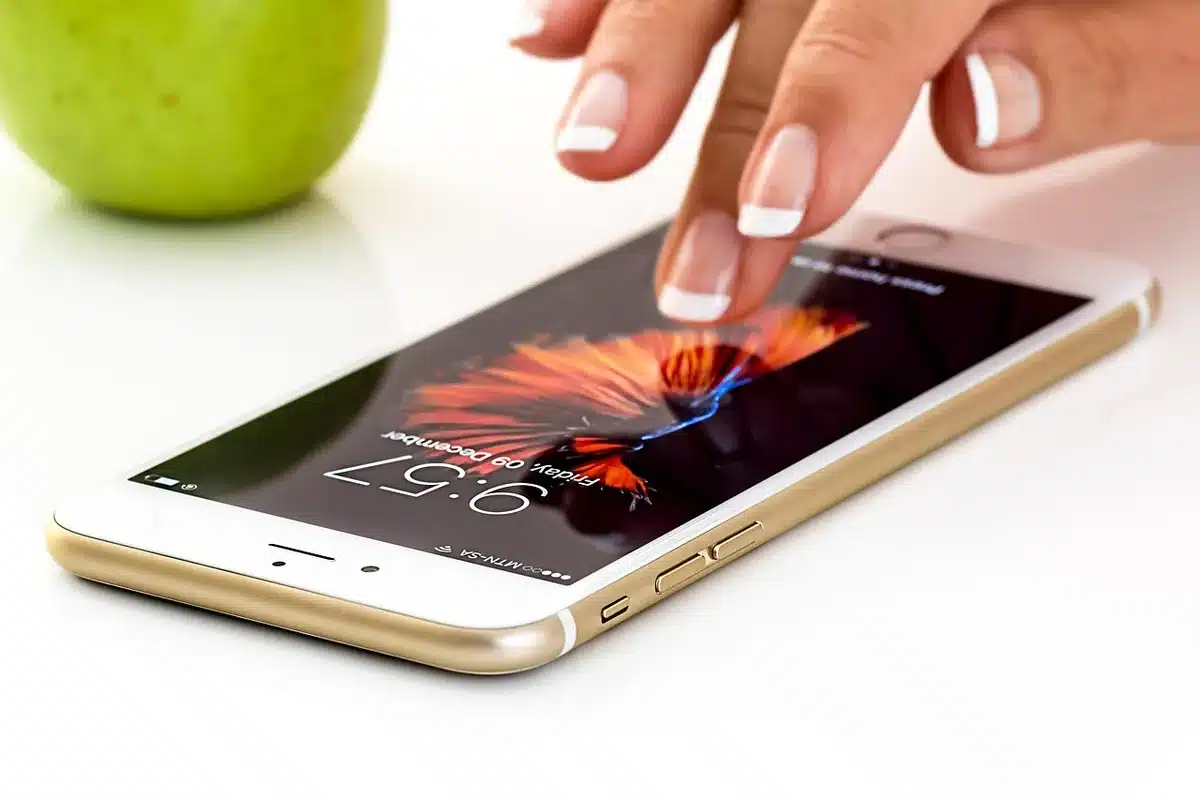
When prompted to “Prepare another device as your camera screen,” choose Mobile Device. The app then offers two pairing methods: sign into the same account on the old phone or scan a QR code to link the devices.
On the second phone, launch AlfredCamera and follow the pairing steps using your preferred method. Finally, verify that your main phone is set to Viewer and the old phone to Camera.
What the free plan provides
The no‑cost tier covers more than just live streaming. It includes a full‑volume siren alarm and a low‑light mode for nighttime monitoring. You can also use two‑way talk, switch between cameras, and rotate the camera view directly from your main device.
Upgrading: Standard and Premium Plus
Paid plans unlock additional features. The Standard plan, which starts at $5.99 per month, raises the camera limit to four (the free plan allows two), enables HD streaming, and offers an eight‑hour recording loop plus 14‑day cloud storage.
Standard also adds motion classification for person, vehicle, and pet detection. The Premium Plus option, priced at $7.99 per month, removes the camera cap, delivers full HD quality, unlimited recording, and 30‑day cloud storage.