Show summary Hide summary
Bluetooth makes everyday tasks simpler, but it can also open brief windows for attackers to reach your phone. A few modest changes in your settings can noticeably reduce that risk without sacrificing much convenience.
Turn off Bluetooth when you’re not using it
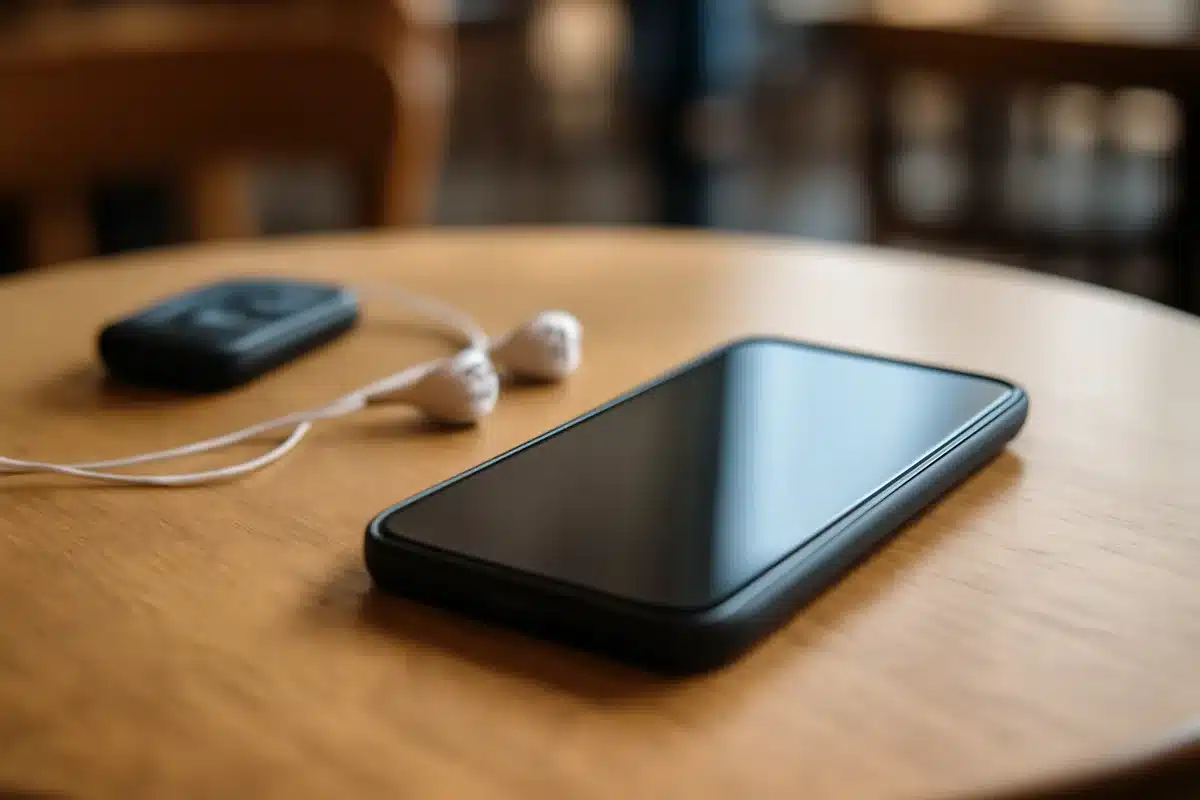
Leaving wireless radios enabled extends the time your device is reachable. Switching Bluetooth off when idle narrows the opportunity for nearby exploits such as bluebugging or bluesnarfing, which rely on an active connection to access a device.
Anne Hathaway’s merlot manicure channels fall style
Rogue OpenAI agents seized control of a German developer forum in a newly disclosed hijacking

Equally important: avoid leaving your phone in discoverable mode. Setting Bluetooth to hidden or non-discoverable prevents unknown devices from seeing and attempting to pair with your handset.
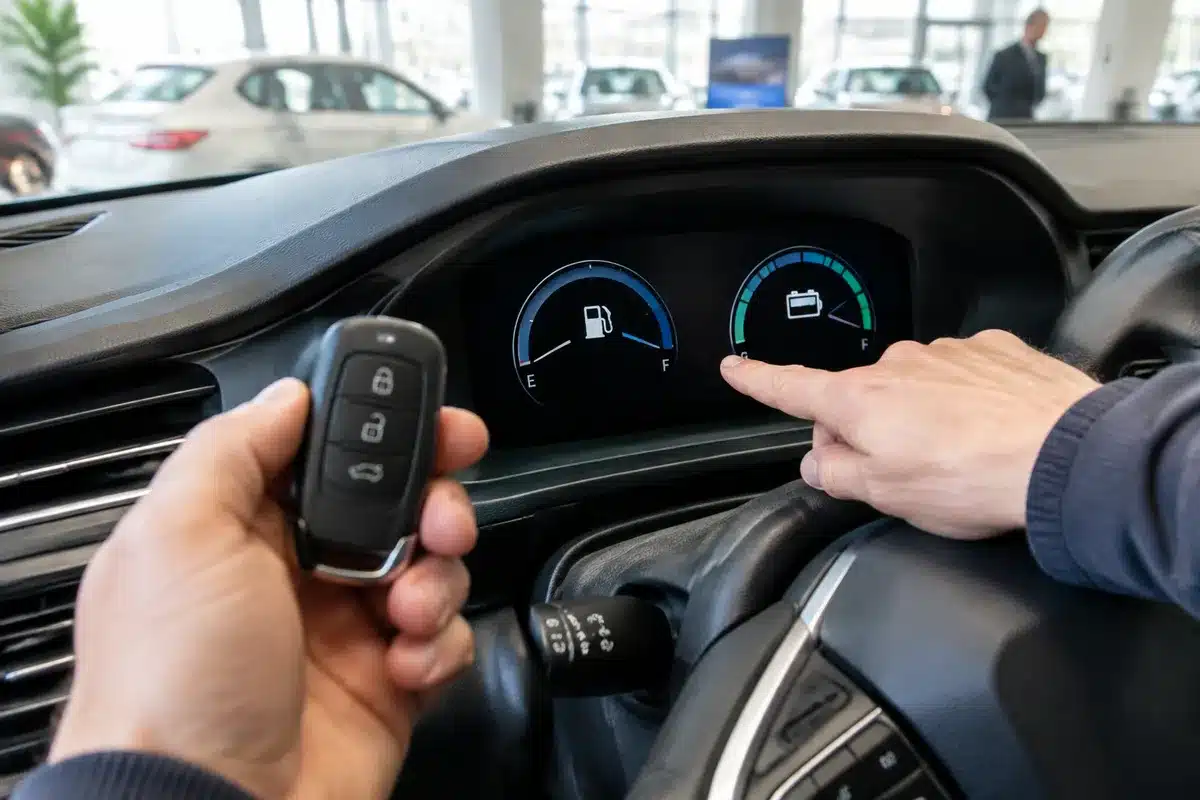
Be careful with cars and shared vehicles
If you plug your phone into a rental car or plan to sell a vehicle, unpair the phone and delete any stored contacts or media before handing the keys over. Paired systems can retain personal information and reconnect automatically.

Wireless in-car systems complicate matters. For example, using wireless Android Auto typically requires both Bluetooth and Wi‑Fi, which increases the number of potential attack surfaces. One straightforward mitigation is to disable the feature that starts Android Auto automatically — look for the Start Android Auto Automatically option and set it to “Never.”
Watch for audio‑streaming features on iPhone
Apple’s Live Listen lets your iPhone stream sound from its microphone to AirPods, hearing aids, or compatible headphones. Because this feature uses Bluetooth, it can create an extra vector for the same types of exploits.
To be safe, check your Accessibility settings and turn off Live Listen if you don’t need it. That removes one more potential pathway into your device.