
Show summary Hide summary
When a laptop or desktop advertises 16GB or 32GB of memory, it is usually referring to dynamic random-access memory, the temporary workspace where active programs run. Knowing the difference between memory types helps explain why some devices feel snappier or can hold more active tasks at once.
How DRAM powers your system
DRAM is the main volatile memory in most PCs. It holds the data and code a processor uses while applications are running, but it cannot retain that information once power is removed.
Light-up digital shelf labels help Walmart shoppers and employees locate items
Former YMU Global exec opens London agency representing creators, including Topjaw’s Jesse Burgess
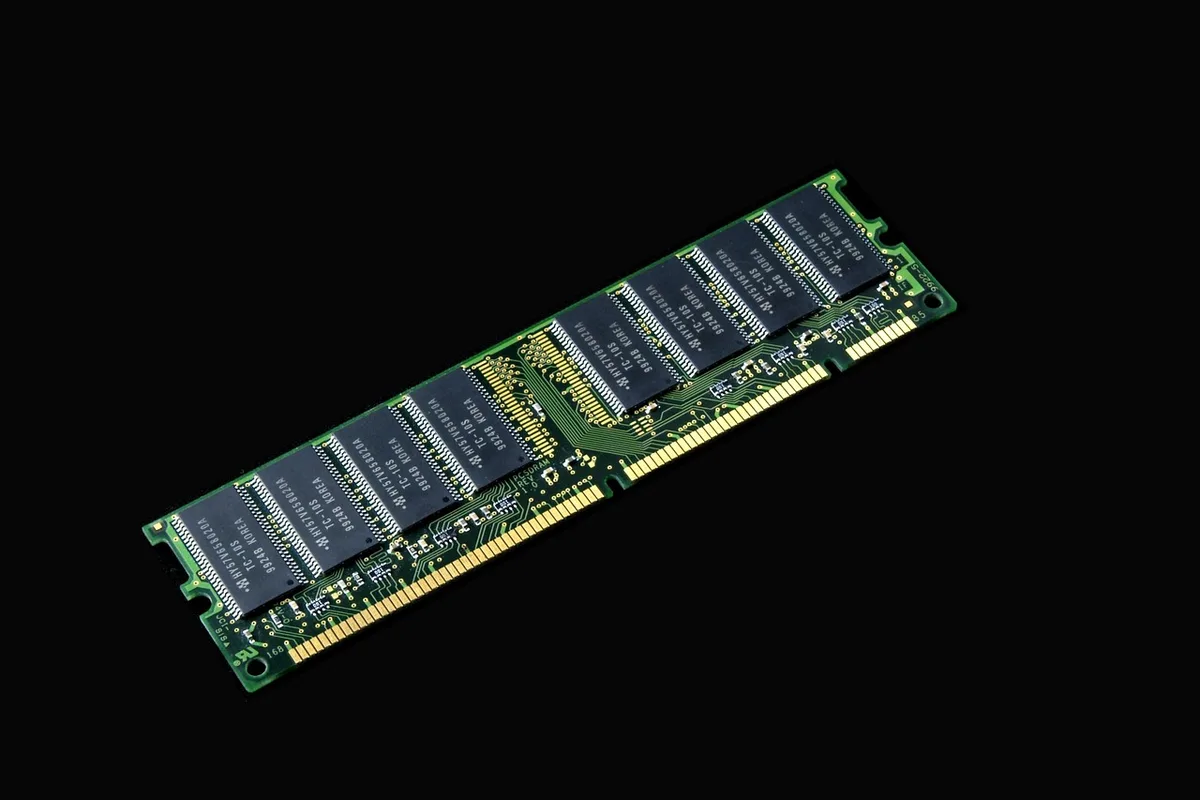
Modern desktops commonly use standards such as DDR5, while phones and other mobile devices rely on low-power variants like LPDDR5X. Both are forms of DRAM optimized for different performance and power needs.
At the component level, each DRAM bit is stored in a tiny capacitor paired with a transistor. Because the capacitor’s charge gradually leaks away, memory cells must be refreshed repeatedly during operation. Stop the refresh cycles and the stored data vanishes.
Modules, unified memory and design choices
DRAM is often associated with removable stick modules called DIMMs, which plug into a motherboard. But not all systems use that familiar layout.
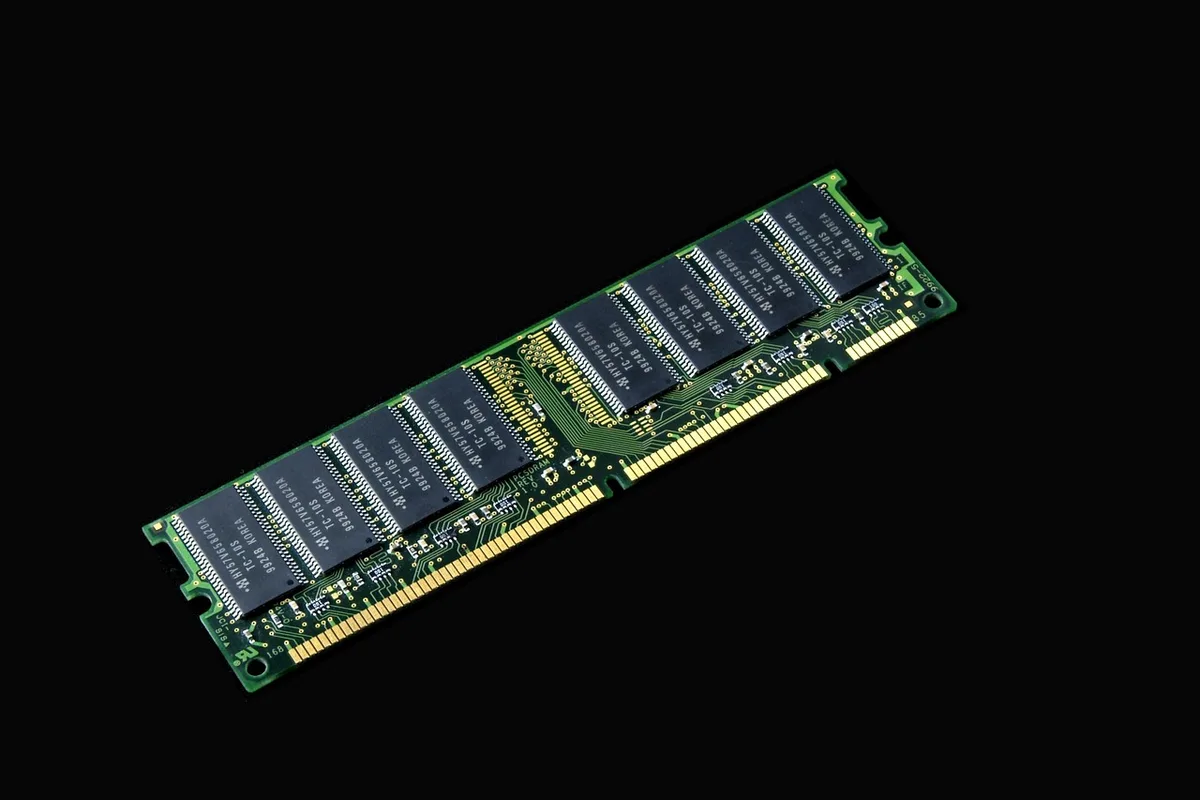
Some modern processors and platforms expose large pools of memory in different physical arrangements. For example, certain AMD Ryzen AI Max chips can address up to 128GB of unified memory. Regardless of how it is packaged, that pool still serves the same temporary working role as conventional DRAM.
SRAM: smaller, faster cache memory
SRAM, or static random-access memory, is also volatile but behaves differently. It does not require the periodic refresh cycles DRAM does; instead it uses latching circuits built from several transistors per bit to hold state while powered.
Because SRAM offers faster access times, designers place it close to the CPU as cache memory. Caches store a limited set of frequently used data and instructions so the processor can reach them quickly.
A high-cache example is the Ryzen 9 9950X3D, which combines about 144MB of L2 and L3 cache. That amount is minuscule compared with the multiple gigabytes of DRAM that systems use for main memory, underscoring how the two technologies serve distinct roles in modern computing.