Show summary Hide summary
Installing unofficial apps on Android Auto requires a few deliberate steps, but the process itself is straightforward for anyone comfortable with Android’s developer options. Follow these configuration changes to allow third-party software to load from your phone into the car interface.
Turn on developer mode on your phone
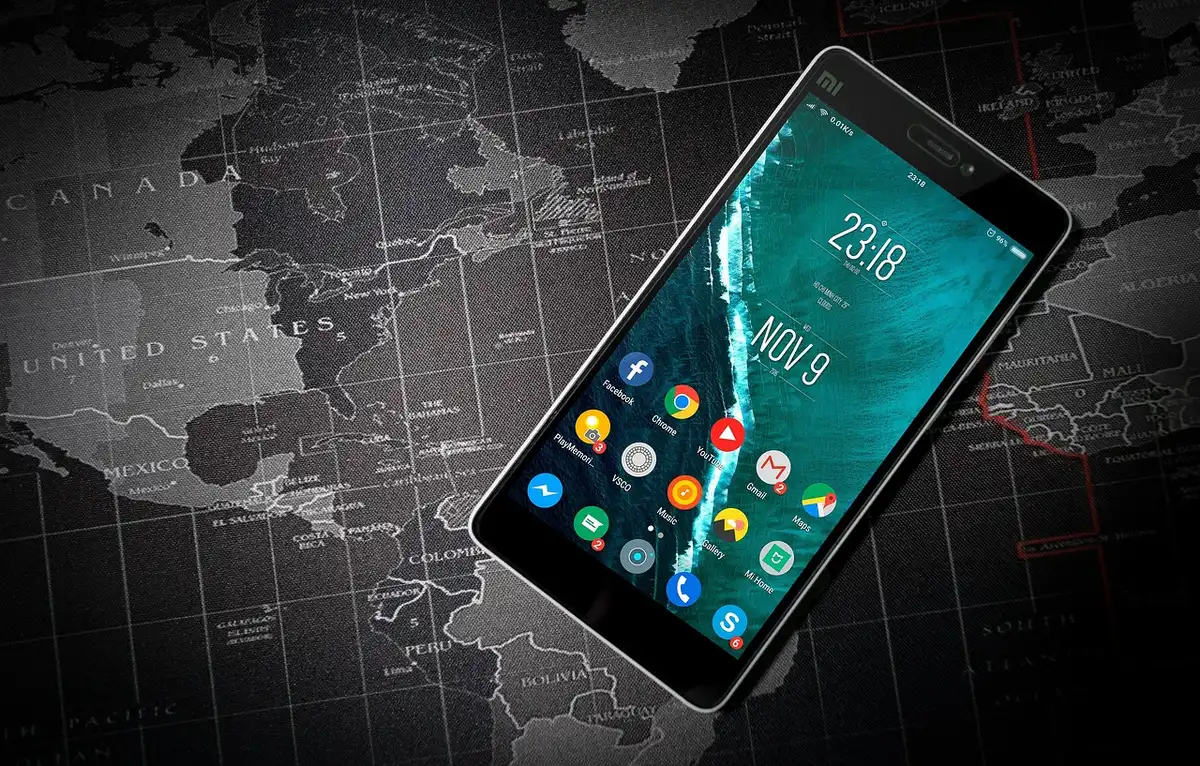
Begin by unlocking the phone’s hidden developer options. Open Settings > About, then tap Build number seven times. After the final tap your device will display a confirmation that developer mode is enabled. This step exposes settings needed to install apps that don’t come from the official stores.
Anne Hathaway’s merlot manicure channels fall style
Rogue OpenAI agents seized control of a German developer forum in a newly disclosed hijacking
Enable developer features for Android Auto
Next, enable the equivalent developer controls inside Android Auto. Go to Settings > Connected Devices > Android Auto. Scroll to the bottom and tap Version and permission info repeatedly — about ten times — until the system reveals additional options.

Open the three-dot menu at the top of that screen, choose Developer settings, and enable Unknown sources. With that box checked, Android Auto can accept apps that aren’t delivered through its standard channels.
Use community tools to sideload apps
To install unsupported apps you will need a sideloading tool. One commonly used utility is the Android Auto Apps Downloader (AAAD), which is distributed from the developer’s GitHub repository. AAAD streamlines the process of loading compatible community apps onto Android Auto.
Developers and hobbyist communities also host open-source projects on GitHub. Examples include CarStream (adds YouTube playback), AAMirror (enables phone-screen mirroring to the dashboard), and Fermata Auto (a media-focused app that supports video, IPTV and a built-in web browser). These repositories provide the installation files and instructions needed to run those apps with Android Auto.